Service Report Software for Biomedical Equipment
Technicians fill your own checklist on the phone, with readings, photos and signatures, even offline. The office gets a branded PDF when the job closes, can mark it reviewed, and can send a customer a month of reports as one file.

What is biomedical service report software?
Biomedical service report software replaces paper and spreadsheet service reports with a structured record of each job: which device was serviced, the procedure followed and every result, parts and labour, photos, and the technician’s and customer’s signatures, produced as a PDF the customer keeps in its equipment file. In Bravio the checklist is a Procedure you build once (pass/fail items, numbers and measurements, dropdowns, notes and photo fields) and attach to equipment classes or models, so every technician records the same things the same way. Reports are filled on the offline iOS and Android app, signed once per visit, and exported as branded, ISO 13485-aligned PDFs with your logo, colours and the sections you choose.
Updated October 22, 2026
Everything included
Procedures You Design
A form builder for inspections, PMs and repairs: sections and fields, a default PM frequency and a standard time. Name it for the work (“Annual Electrical Safety”) and attach it to the equipment it applies to.
Filled on the Phone, Offline
Scan the device, open its report, record readings and photos. Everything saves on the phone first and syncs when a connection returns.
Signatures That Mean Something
Technician and customer sign once per visit with a finger and a printed name. The signature time is stamped by the server, not the phone’s clock, and it prints on every report from that visit.
Branded PDFs
Choose your colour, logo placement, title, subtitle and company details, and which sections appear, with a live preview. Or write your own layout in HTML with placeholders.
Combined Reports per Facility
Pick a facility and a date range and combine every report into one PDF, then email it from your own template. Every export is saved so you can re-download or re-send it.
Office Review
A report moves from Draft to Completed when the technician finishes, and to Reviewed when the office signs it off, so you know which reports someone has actually checked.
What goes on a Bravio service report
| Section | What it shows | Controlled by |
|---|---|---|
| Header | Your logo, colour, report title and subtitle, and company lines such as address, phone or licence number | Report Layouts |
| Work order details | Facility, work order number and the issue description | Report Layouts toggle |
| Device | Asset name, manufacturer, model, serial number, asset tag and location | The asset record |
| Procedure results | Every field in the procedure with its answer, including readings and pass/fail | The procedure |
| Service summary | What was done, per visit day | Report Layouts toggle |
| Parts used | Parts recorded against the job | Report Layouts toggle |
| Photos | Up to 20 per photo field, printed in a grid | Report Layouts toggle |
| Signatures | Technician and customer, with printed name and date. Left out entirely if not captured, rather than printing an empty line | Report Layouts toggle |
Why Bravio captures one signature per visit
A work order covering four pumps produces four service reports. Asking the technician and the nurse manager to sign each one is tedious, and it makes a combined PDF ambiguous: which signature covers what? Bravio captures sign-off once against the work order and prints it on every report from that visit. A blank “Customer Signature ______” line on a finished report reads as an outstanding obligation, so where nobody signed, the block is left out.
Service reports and compliance, plainly
Bravio’s reports are ISO 13485-aligned: structured, signed, timestamped and backed by an audit trail of every service event. Those are the records hospital surveyors and quality auditors typically ask to see. No software makes a shop compliant with ISO 13485 or makes a hospital pass a survey; that is judged by the auditor or surveyor. What software can do is make the record complete and quick to find.
Who uses Bravio for service reports?
- Biomed shops still writing reports on paper or in Word after the job
- ISOs whose hospital customers want one PDF per month per facility
- Teams that need electrical safety readings and pass/fail results on every report
- In-house HTM departments that need signed records for surveys
How we work with you
Bravio is built around how your shop actually runs.
Not around how software companies assume it runs. The product is shaped by real service weeks inside independent biomed shops — their PM lists, their inspection forms, their report layouts. Yours get the same treatment.
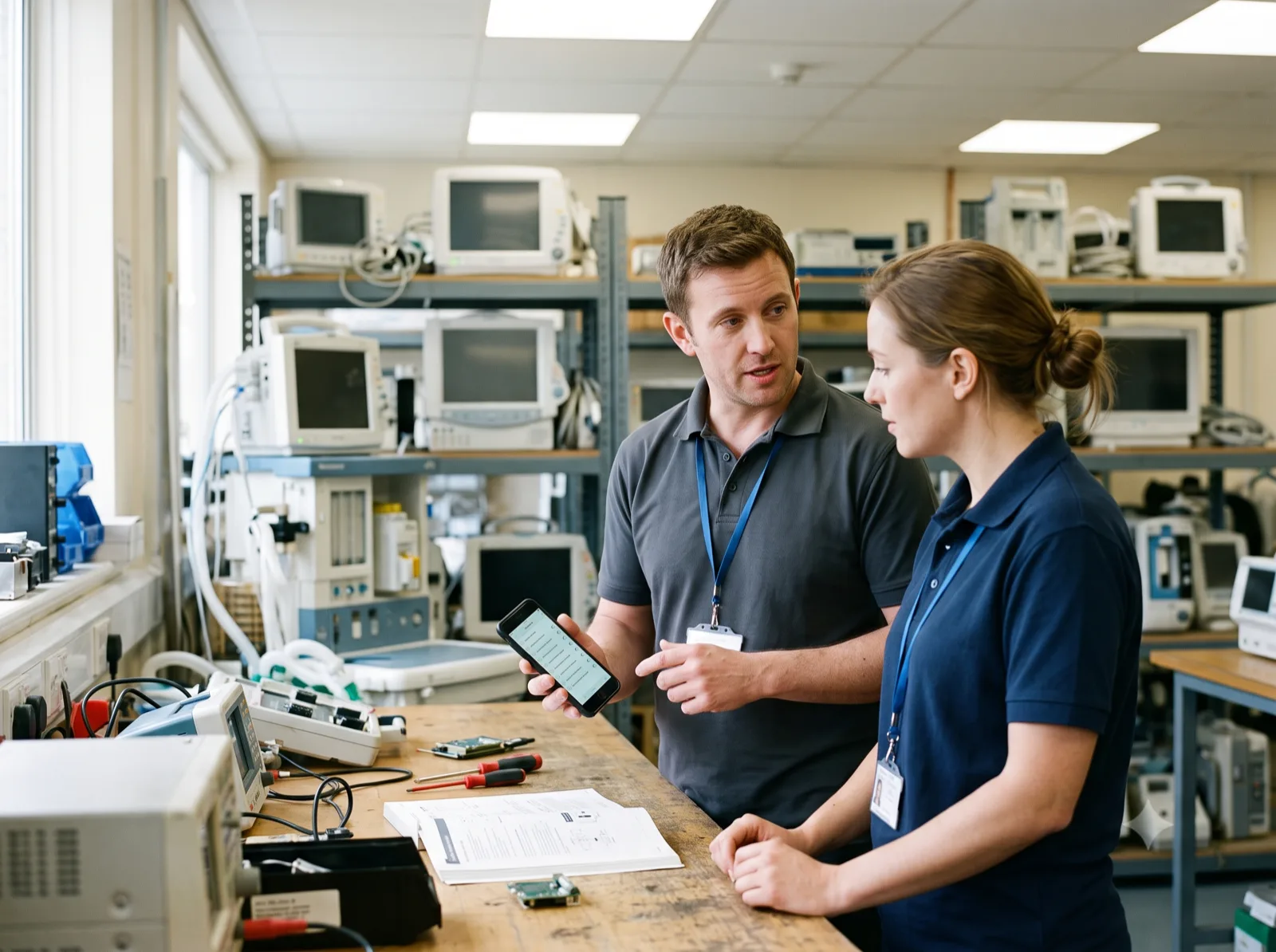
We start by watching you work
A 30-minute session where you walk us through a real week — the PM list, the paper checklists, the spreadsheet nobody wants to touch. No slide deck.
Your workflow shapes the roadmap
If your inspection form, report layout, or PM cadence does not fit what we have built, we change the product. You see it ship in weeks, not quarters.
You talk to the people writing the code
No account manager, no ticket queue, no support tier. A direct line to the team building Bravio.
Your data stays yours
Import from spreadsheets, export everything whenever you want. If Bravio is not the right fit for your shop, we will tell you on the call.
What to expect
Book a 30-minute working sessionYou will be talking to the team that builds Bravio — not a sales rep.
- Asset registry, work orders, PM schedules, rapid inspections, signed and audit-trailed service reports, and invoicing — all in production today.
- The people building Bravio are the people you deal with. No account manager in between.
- We go through pricing openly on the first call, sized to the shop you actually run. Flat plans, no per-user tiers, no implementation fees.
- Bring your equipment list and your report format. You will see Bravio running on your own data before you commit to anything.
Frequently Asked Questions
Can we keep the report format our customers are used to?
Usually, yes. The Simple Builder covers logo placement, colour, title and subtitle, company details and which sections appear. For full control, the Custom HTML layout lets you write your own template using placeholders for the report, asset and customer fields.
Do service reports work offline?
Yes. Technicians fill reports in the iOS and Android app with no signal; readings, photos and signatures are saved on the phone and uploaded when it reconnects.
Can the customer sign on the technician’s phone?
Yes. The customer signs with a finger and types their printed name. Sign-off is captured once per work order and appears on every report from that visit, with a time stamped by the server.
Can we send a customer all of a month’s reports as one PDF?
Yes, with the Report Exporter: choose the facility and date range, select the work orders, and download or email one combined PDF. It is enabled per plan, so check it is on for your account.
Are Bravio service reports ISO 13485 compliant?
They are ISO 13485-aligned: structured, signed, timestamped and audit-trailed. Compliance is a property of your quality system and is judged by your auditor, so no software can make a shop compliant on its own.
Can a report include electrical safety test readings?
Yes. Build the electrical safety section of the procedure with number or measurement fields for each reading and pass/fail items for each test, and the results print on the report.
Evaluating alternatives? See how Bravio compares to TruAsset, MaintainX, BlueFolder & more →
One place to run
your biomed repair shop.
We set up your workspace and move your data over, free. Log in within one business day. No card.
See how we work →