One Place to Run Your Biomed Repair Shop.
Take the job, do the work, get paid. Service requests, work orders, PMs, inspections, signed reports and invoices all live together — your office and your techs looking at the same thing, even with no signal.
- ISO 13485-aligned service reports
- Fully offline capable
- Built only for biomed
- Set up in days, not months
From “the pump is alarming” to a signed report.
- 1The hospital asks
- 2One click to a work order
- 3Dispatch
- 4Technician app
- 5Service report
- 6Close out
A request arrives from your own branded form
Customers file service requests from a form on your website or portal. No phone tag, no lost voicemails — the asset, the fault and the contact arrive together.
- A request arrives from your own branded form. Customers file service requests from a form on your website or portal. No phone tag, no lost voicemails — the asset, the fault and the contact arrive together.
- Triage it, promote it — the work order fills itself in. Requests land in your intake queue already tied to the facility and asset. Promote one and the work order is created with the asset linked and contract rates applied. Nothing is re-typed.
- The right tech is on the way — and the customer knows. Assign and schedule in seconds. When the tech sets “On route”, the hospital gets an ETA by text and email, and travel time starts logging itself.
- Everything the tech needs is on their phone — even with no signal. The job, the asset’s history and directions are already on the device. Tap “On site” and labour starts timing itself. Scan the asset’s barcode and the right procedure opens.
- A service report in a few taps, standing at the device. Checks and readings are graded against the procedure’s ranges as they’re entered. Photos shrink on the phone, the customer signs with a finger, and every tap saves itself — offline too.
- A signed, branded report — and the invoice one click away. The report syncs to the office as an ISO 13485-aligned PDF with both signatures, ready to send to the facility. The asset is back to Active, labour is logged, and billing is one click.
Service report. A service report in a few taps, standing at the device
From “the pump is alarming” to a signed report.
- 1The hospital asksA request arrives from your own branded form
- 2One click to a work orderTriage it, promote it — the work order fills itself in
- 3DispatchThe right tech is on the way — and the customer knows
- 4Technician appEverything the tech needs is on their phone — even with no signal
- 5Service reportA service report in a few taps, standing at the device
- 6Close outA signed, branded report — and the invoice one click away
Your shop, inside ChatGPT and Claude
Connect Bravio to the assistant your team already uses. It reads your work orders, assets and service history — and can raise a job or log a part without anyone opening the app.
Things people actually ask
- Which ventilators at Riverside are overdue for PM?
- What did we do to infusion pump AST-BIO-004 last visit?
- Raise a repair job for the ultrasound in Radiology and assign it to me.
- How many jobs did we close last month, and how many are still open?
What it can and cannot do
- It sees only what you seeThe assistant is held to the same permissions as the person using it — no extra access, no shortcuts. That limit is enforced by the database, not by asking the model to behave.
- Read-only until you say otherwiseWriting is a separate permission, granted per person. Most shops start by letting the assistant read, and turn writing on later.
- It cannot speak to your customersNo email, no SMS, no calendar invites. It can record work and raise jobs; it cannot send anything on your behalf.
- Yours to revokeEveryone connects with their own sign-in and their own permissions. Disconnect an assistant in Settings and its access ends on the next request.
Built on the Model Context Protocol, the open standard behind ChatGPT and Claude integrations.
Talk to us about connecting your shopDon't take our word for it
Ask your favourite AI how Bravio compares to TruAsset, Nuvolo, Jobber, and MaintainX — for biomedical repair shops.
Built for Biomed & HTM
CMMS + field service management in one platform
Everything a biomed repair shop needs to manage service requests, work orders, PM schedules, and assets — without enterprise bloat.
Built only for biomed. Not a generic CMMS wearing a healthcare skin.
Rapid Asset Inspections
Scan the primary identifier, close the inspection report in under 3 seconds — or create and inspect a new asset in about 8. Sweep 200+ devices a day, fully offline.
- Scan barcodes and QR asset tags
- Works with no signal at all
- Signed PDF report on close
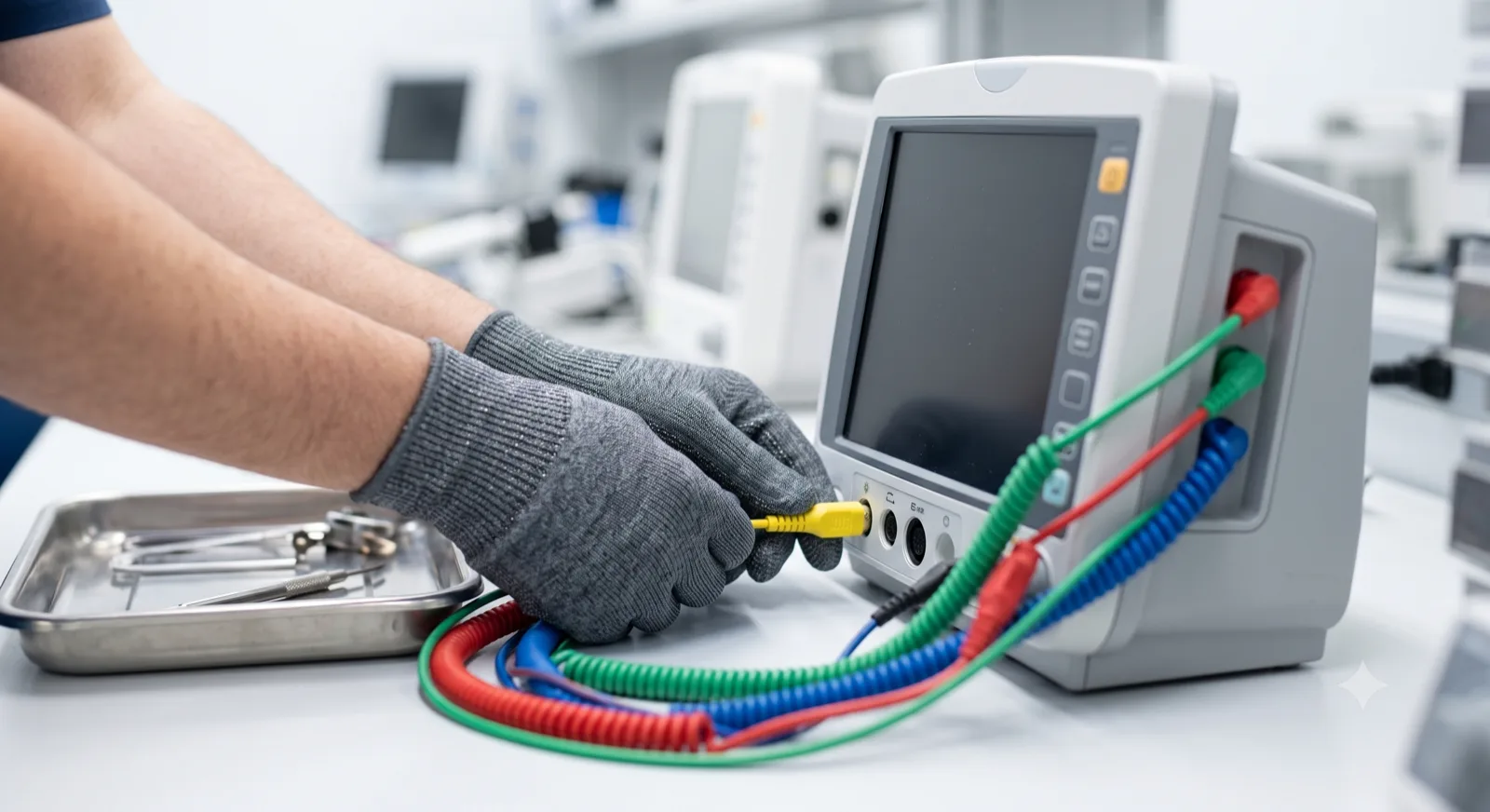
Automated PM Scheduling
Never miss a maintenance window. Automatically generate work orders based on schedules.
- Recurring PM schedules per asset
- Work orders generated automatically
- Due and overdue in one view
Real-time Work Orders
Technicians receive jobs instantly on their mobile devices. No paper, no delays.
Smart Inventory
Know exactly what parts you have and where. Reduce leakage and rush orders.
Asset Lifecycle Tracking
From procurement to retirement, track every service event and cost across all locations.
- Commissioned2021
- PM · passedMar 2025
- Repair · pump sealJul 2025
- Safety test · passedNov 2025
- PM · passedMar 2026
- PM · dueSep 2026
Client Portal Access
Give hospitals transparent access to their compliance reports and service status 24/7.
How it works
From spreadsheets to a full service operation in days.
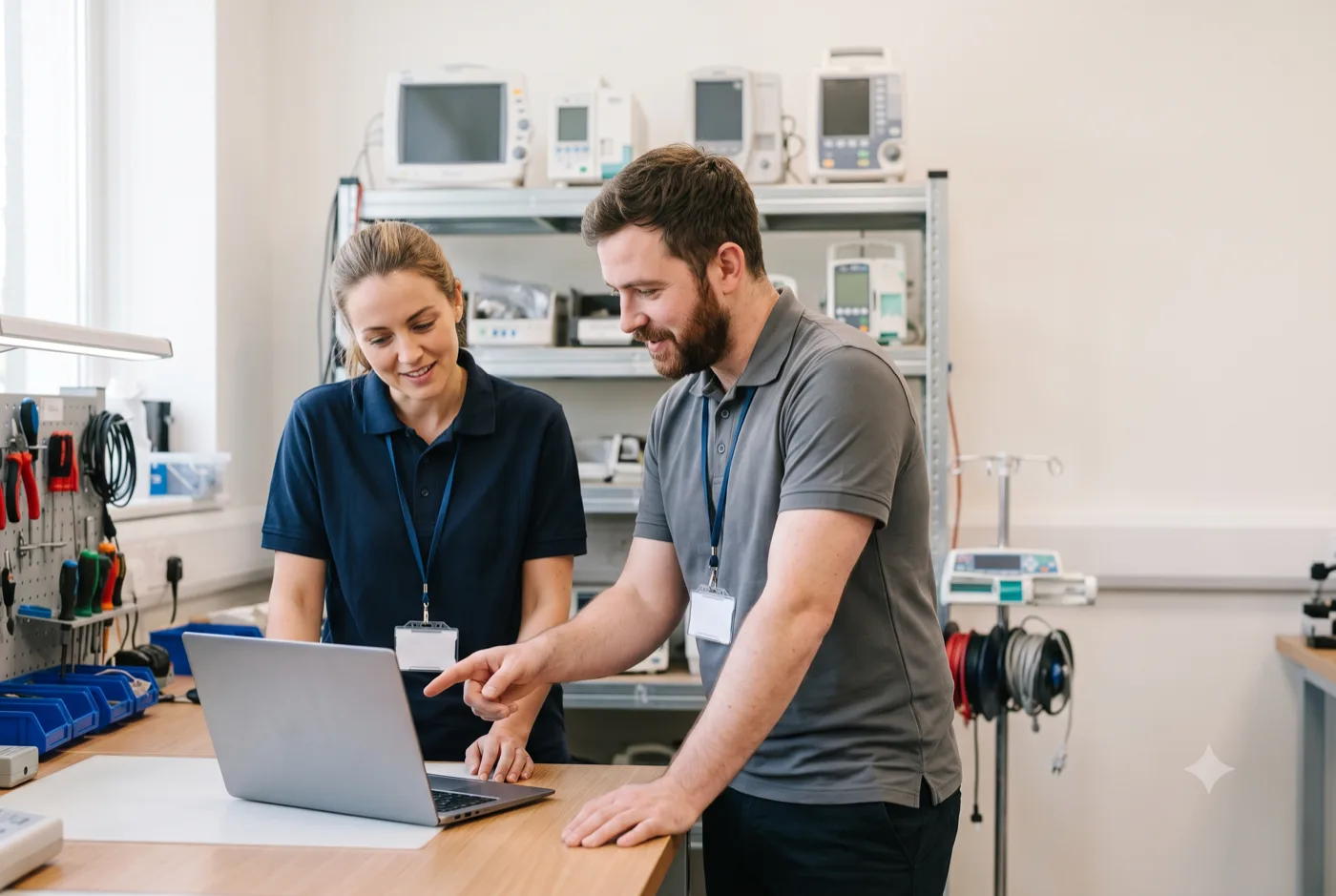
- Start with a working sessionWalk us through how your shop runs today. We configure your service team around it — no implementation fees, no training program to sit through.
- Import your assets & customersMigrate assets, customers, and facilities from spreadsheets or your legacy CMMS instantly — with zero data loss.
- Run your entire shopAutomate PM schedules, close work orders faster, generate signed service reports with a full audit trail, and invoice — all in one place.
How we work with you
Bravio is built around how biomed shops across Australia actually run.
Not around how software companies assume it runs. The product is shaped by real service weeks inside independent biomed shops — their PM lists, their inspection forms, their report layouts. Yours get the same treatment.
We start by watching you work
A 30-minute session where you walk us through a real week — the PM list, the paper checklists, the spreadsheet nobody wants to touch. No slide deck.
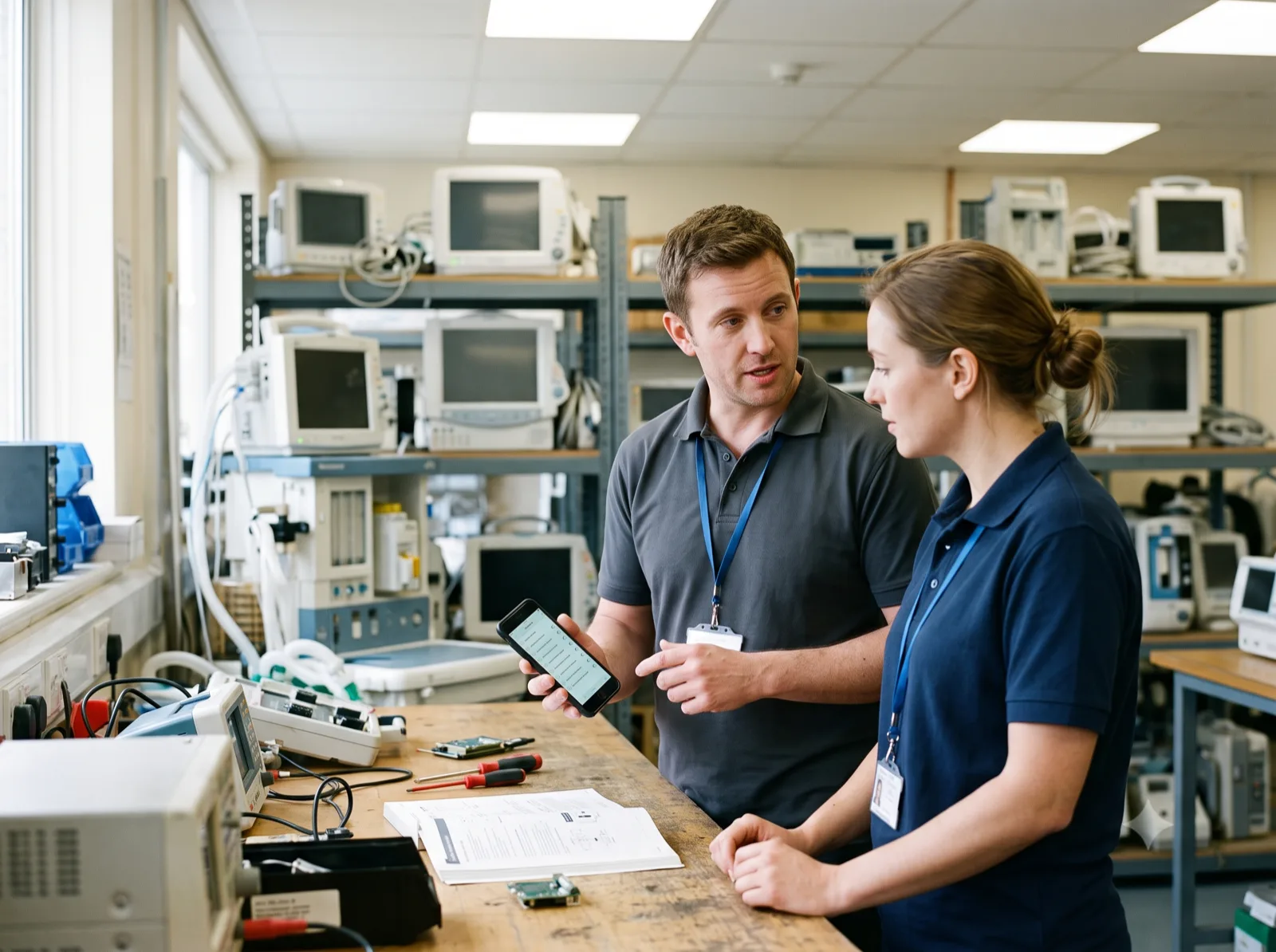
Your workflow shapes the roadmap
If your inspection form, report layout, or PM cadence does not fit what we have built, we change the product. You see it ship in weeks, not quarters.
You talk to the people writing the code
No account manager, no ticket queue, no support tier. A direct line to the team building Bravio.
Your data stays yours
Import from spreadsheets, export everything whenever you want. If Bravio is not the right fit for your shop, we will tell you on the call.
What to expect
Book a 30-minute working sessionYou will be talking to the team that builds Bravio — not a sales rep.
- Asset registry, work orders, PM schedules, rapid inspections, signed and audit-trailed service reports, and invoicing — all in production today.
- The people building Bravio are the people you deal with. No account manager in between.
- We go through pricing openly on the first call, sized to the shop you actually run. Flat plans, no per-user tiers, no implementation fees.
- Bring your equipment list and your report format. You will see Bravio running on your own data before you commit to anything.
Frequently Asked Questions (FSM & Compliance)
Evaluating alternatives? See how Bravio compares to TruAsset, BlueFolder & more →
Can I connect ChatGPT or Claude to my Bravio data?
Yes. Bravio runs a Model Context Protocol server, so an assistant can read your work orders, assets and service history, and (if you allow it) raise jobs or log parts. Each person connects with their own sign-in and their own permissions, access is read-only unless you grant writing separately, and you can disconnect an assistant at any time from Settings.
If I connect an AI assistant, where does my data go?
To the assistant you connected — ChatGPT or Claude — and nowhere else. When someone asks a question, Bravio sends back only the records needed to answer it, limited to what that person is already allowed to see in Bravio. Those records are then handled by that AI provider under your own account with them, so we will walk you through exactly what that means before you switch it on. Bravio does not send your data anywhere else, and the assistant cannot email or text anyone, so it can never contact your customers on your behalf.
Does Bravio sync with QuickBooks or Xero?
Yes — two ways with both QuickBooks Online and Xero. Invoices, estimates, customers, vendors, parts and purchase orders go out to your ledger; payments come back, so an invoice settled in your books is marked paid in Bravio without anyone retyping it. Before the first sync, Bravio matches your existing facilities and parts against the customers and items already in your accounting system, so you do not end up with two of every hospital. Stock levels stay in Bravio on purpose — neither system models a part moving from a van to a warehouse.
What is Bravio?
Bravio is a unified platform that combines Field Service Management (FSM), Customer Relationship Management (CRM), and a Computerized Maintenance Management System (CMMS). Designed specifically for biomedical ISOs, we streamline everything from asset tracking and PM scheduling to customer contracts and technician dispatching.
Does Bravio support Australian compliance requirements?
Bravio keeps the maintenance evidence NSQHS accreditation assessors typically ask to see: digitally signed service reports, a full audit trail of every service event, and risk-based PM programs with documented rationale, structured along AS/NZS 3551 lines. It records that devices were maintained to the schedule you set from the manufacturer’s instructions. It does not make your organisation compliant — whether your records satisfy a particular assessor is a judgement for you and them.
Can I automate medical device PM schedules?
Absolutely. Bravio functions as a specialized CMMS (Computerized Maintenance Management System) that automates PM scheduling based on device risk levels and manufacturer recommendations. You'll strictly meet AEM (Alternative Equipment Maintenance) program requirements without manual spreadsheet tracking.
How fast can technicians complete biomedical inspections with Bravio?
Extremely fast. Scanning a device by its primary identifier (asset tag, serial, or barcode) opens the asset instantly — technicians fill and close the inspection report in under 3 seconds for devices already in the system, and create-plus-inspect a brand-new asset in about 8 seconds. A single technician can sweep 200+ devices a day, fully offline, then print branded signed, audit-trailed service reports and invoice immediately — cutting out manual report writing and the re-typing that causes errors.
Is this HTM software mobile-friendly for field technicians?
Bravio provides a native mobile experience for Healthcare Technology Management (HTM) professionals. Technicians can access work orders, view service manuals, manage inventory, and capture customer compliance signatures directly from their iOS or Android devices, even offline.
How does Bravio improve 'Agentic' workflows?
Our system is AI-ready, structuring your service data to be accessible by authorized agents and AI copilots. This 'Agentic Engine Optimization' allows for natural language queries like 'Show me all ventilators due for service next week' to be answered instantly, future-proofing your operations.
Do you offer data migration for legacy CMMS systems?
Yes, we specialize in high-fidelity data migration. We can import asset histories, customer databases, and service logs from legacy systems like spreadsheets, older CMMS, or generic FSM tools, ensuring zero data loss during your transition.
How does Bravio compare to TruAsset, BlueFolder, or other CMMS tools?
Unlike generic FSM tools such as BlueFolder, Bravio is built exclusively for HTM — ISO 13485-aligned reports, AEM-aware PM automation, and medical device asset ontologies come standard. And unlike asset-management-focused CMMS platforms like TruAsset, Bravio covers the full service workflow: dispatch, technician mobile app, customer portal, and integrated invoicing — sized and priced for independent shops rather than health systems.
What is already in the product?
Everything a shop runs on day to day: asset registry, work orders, PM scheduling, rapid inspections, signed and audit-trailed service reports, a customer portal, and invoicing — online or fully offline. The roadmap is set by real service weeks inside independent biomed shops rather than by assumptions, which is why the shops we work with see their own workflows show up in the product.
What does Bravio cost?
Plans are flat rather than per-user, and there are no implementation fees. We go through the numbers openly on the first call, sized to the shop you actually run, instead of posting a price that ignores how your team is set up. Book 30 minutes and we will walk through it.
What happens on the first call?
You walk us through a real week — the PM lists, the inspection forms, the reports your customers expect — and we show you Bravio running on your own equipment list rather than on demo data. We go through pricing openly, sized to the shop you actually run, and your data stays exportable at all times. If Bravio is not the right fit for your shop, we will tell you on the call.